Your watch recorded 47 data points on your last run. You looked at one: pace. Maybe two, if you glanced at distance. The other 45 fields – cadence, ground contact time, vertical oscillation, training effect, VO2 max estimate, respiration rate – sat there, untouched, like instruments in a cockpit you never learned to fly.
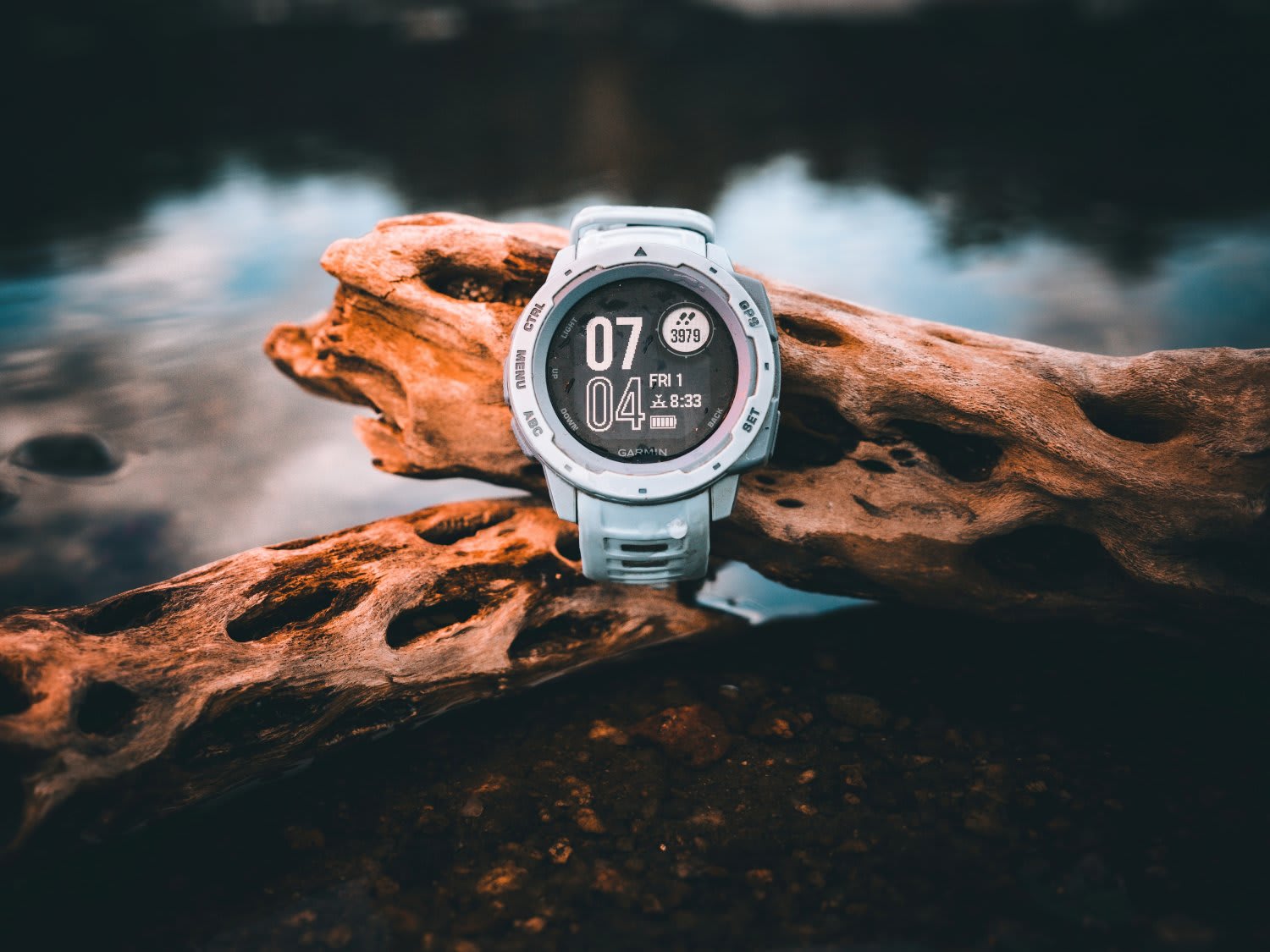
You are not alone. Most runners collect more running data than they have ever acted on. The watches get smarter every year, but the gap between what your device measures and what you actually understand keeps growing. This is not a technology problem. It is a literacy problem. And fixing it does not require a sports science degree – just a clear framework for what each metric means, what it tells you to do, and when to ignore it entirely.
Why Collecting Running Metrics Is Not the Same as Using Them
There is a runner – call her Sarah – who bought a high-end GPS watch before her first half marathon. She synced every run. She had charts for cadence, graphs for ground contact time, a weekly VO2 max estimate, and a training load score that fluctuated between “Productive” and “Unproductive” with no apparent logic. After twelve weeks, she had more data than some university research labs. She also had a stress fracture, because the one number she needed to pay attention to – her weekly volume increase – was buried three screens deep in an app she never opened.
Sarah’s problem is the default problem. Modern GPS watches are built to impress on a spec sheet. They measure everything because they can, not because every measurement matters equally. The result is information overload dressed up as insight. Dr. Carl Foster, a professor of exercise science at the University of Wisconsin-La Crosse, put it plainly in his research on training monitoring: “The best metric is the one the athlete will actually use consistently” (Foster et al., 2017). More data does not mean better decisions. Better interpretation does.
Pace: The Metric Everyone Reads and Most People Misread
Pace is the first number every runner checks. It feels objective – 5:15 min/km is faster than 5:30 min/km, full stop. But pace is a measure of output, not effort. The same 5:15 min/km can represent an easy jog on a cool morning or a grinding effort in 30-degree heat. If you have ever felt frustrated that your “easy” runs keep getting slower, the problem might not be your fitness. It might be the weather, the terrain, or residual fatigue from yesterday’s session.
The fix is to stop treating pace as a standalone metric and start pairing it with context. Your running pace tells you something real, but only when you know the conditions it was recorded in. Track your easy-run pace over four-week blocks rather than comparing individual sessions. A downward trend across a training block, at the same perceived effort, is genuine progress. A bad split on a windy Tuesday is noise.
Coach’s note: If you only use one pacing tool, make it a trend line. Plot your average easy-run pace per week. That single line tells you more than any individual split ever will.
Heart Rate: The Effort Metric That Keeps You Honest

Heart rate is the closest most runners get to measuring internal effort without a lab. Where pace tells you how fast you moved, heart rate tells you how hard your body worked to get there. That distinction is the foundation of smarter training.
The practical value is straightforward. If your pace is 5:30 min/km and your heart rate is 155 bpm this month, but last month the same pace sat at 162 bpm, you are fitter. The watch showed the same speed. Your cardiovascular system showed improvement. Without heart rate, you would have missed it entirely.
Most runners underuse heart rate because they do not know their zones. The five-zone model – recovery, aerobic base, tempo, threshold, and VO2 max – gives each run a purpose. Easy runs should stay in Zone 2 (roughly 60-70% of your maximum heart rate). If your easy runs regularly push into Zone 3 or higher, you are training harder than you think, and your recovery is suffering. Use the RunReps Pace to Heart Rate Zone Calculator to map your current paces to zones and see where your effort actually lands. For a deeper breakdown, the full guide to heart rate zones for runners covers how to find yours and build a training week around them.
One caveat: heart rate is affected by caffeine, sleep quality, stress, hydration, and temperature. A heart rate of 150 bpm after a poor night’s sleep does not mean the same thing as 150 bpm when you are well-rested. Read heart rate data with the same contextual awareness you apply to pace.
Cadence, Ground Contact Time, and Vertical Oscillation: The Running Form Metrics
These three metrics are where most runners start to feel lost. They appear on the watch screen, they have graphs in the app, and they sound technical enough to seem important. Here is the honest assessment of each one.
Cadence (steps per minute) has a useful signal buried inside a lot of noise. The often-cited “180 steps per minute” target comes from Dr. Jack Daniels’ observation of elite runners at the 1984 Olympics (Daniels, 2014). But cadence varies naturally with pace – you take more steps per minute when sprinting than when jogging. A cadence of 165 on an easy run and 185 during intervals is perfectly normal. What you want to watch for is consistency at a given pace. If your easy-run cadence suddenly drops by 10 steps per minute for no obvious reason, that can signal fatigue or a compensatory movement pattern worth investigating.
Ground contact time (GCT) measures how long each foot stays on the ground per stride, typically between 200 and 300 milliseconds. Shorter GCT generally correlates with faster running and better elastic recoil, but chasing a lower number without improving the strength and mechanics behind it is backwards. GCT improves as a consequence of training – plyometrics, hill sprints, and consistent mileage all contribute. Track it over months, not sessions.
Vertical oscillation measures how much you bounce up and down with each stride. Less bounce usually means more efficient forward motion. But like GCT, this is a downstream indicator, not something you can meaningfully fix by staring at a number. If your vertical oscillation is high relative to your pace, it might point toward a strength deficit in your calves or glutes. The solution is targeted strength work, not obsessing over the metric itself.
The common thread: these form metrics are useful for spotting trends and flagging problems. They are not useful as real-time feedback during a run. Glance at them in your weekly summary. Do not chase them mid-stride.
VO2 Max Estimates: What Your Watch Gets Right and Wrong
Every major GPS watch now provides a VO2 max estimate. It appears as a single number – typically between 30 and 70 ml/kg/min for recreational to competitive runners – and it updates after most runs. The appeal is obvious: a single fitness score that tracks your aerobic capacity over time.
The reality is more nuanced. Watch-based VO2 max estimates use algorithms that correlate your pace and heart rate data against population-level models. They are not measuring your oxygen consumption directly. Research published in the International Journal of Environmental Research and Public Health found that wrist-based VO2 max estimates can deviate by 5-10% from laboratory values, with greater error at higher fitness levels (Passler et al., 2019). Your watch’s number is an approximation, not a lab result.
That said, the trend is more reliable than any single reading. If your estimated VO2 max climbs from 42 to 46 over three months of consistent training, your aerobic fitness has almost certainly improved – even if the absolute number is off by a few points. Treat it like a stock price: ignore the daily fluctuations, pay attention to the quarterly trajectory.
Where runners go wrong is reacting to small drops. A VO2 max estimate that falls by one or two points after a recovery week or a hot-weather run is not a sign of lost fitness. It is an artefact of the algorithm encountering data it was not calibrated for. Wait two weeks before drawing any conclusions.
Training Load and Training Effect: The Metrics That Should Change How You Plan

If there is one category of running metrics explained here that deserves more attention, it is training load. Most watches now calculate some version of this – Garmin calls it Training Load and Training Effect, Polar uses Training Load Pro, COROS provides a Training Load graph. The names differ. The principle is the same: how much physiological stress have you accumulated over the past 7 to 28 days, and is it productive?
Training load is calculated from a combination of duration, intensity (usually heart rate or pace-based), and frequency. It is then compared against your recent baseline. When your current load is higher than your baseline but within a manageable range, most algorithms label it “Productive” or “Optimal”. When it spikes too fast, you get warnings about overreaching. When it drops, you are told you are detraining.
This is genuinely useful information – with one critical caveat. These algorithms do not know about the rest of your life. A “Productive” training load score means nothing if you are also sleeping five hours a night, working 60-hour weeks, and skipping meals. External stress loads on the same physiological systems that training does. Dr. Stephen Seiler’s research on training intensity distribution makes this point repeatedly: sustainable progress comes from managing total stress, not just training stress (Seiler, 2010).
The practical action: check your training load trend weekly. If it is climbing steadily – roughly 5-10% per week – and you feel good, you are on track. If the algorithm says “Productive” but your legs feel dead every morning, trust your legs. The algorithm is an advisor, not a coach.
When to Ignore the Numbers Entirely
Not every run needs to be measured. Recovery runs, social runs, trail runs where you stop to take in the view – these serve a purpose that does not appear in any data field. The psychological benefit of running without a screen on your wrist is real. A 2021 study in Psychology of Sport and Exercise found that athletes who occasionally trained without performance feedback reported higher enjoyment and lower perceived exertion during those sessions (Brick et al., 2021).
There is also the problem of data anxiety. When every run is tracked, compared, and scored, a slow day can feel like a failure rather than what it actually is: a necessary part of the process. If you find yourself dreading easy runs because your pace “looks bad”, that is a sign to leave the watch at home once a week. You will not lose fitness. You might gain perspective.
Temperature, humidity, and air quality all affect your numbers. Check the race-day weather forecast before heading out – knowing the conditions in advance stops you from misreading a perfectly normal performance dip as a fitness problem.
A Simple Framework for Reading Your Running Watch Data
You do not need to analyse every metric after every run. Here is a practical framework that takes five minutes per week.
After every run, check two things: pace (relative to the intended effort) and heart rate (was it in the right zone for the session type?). That is it. Everything else can wait.
Once a week, review three things: your total weekly volume (distance or time), your training load trend (climbing, stable, or dropping), and your average easy-run pace and heart rate. These five data points – weekly volume, load trend, and the pace-heart rate pairing – tell you whether your training is on track.
Once a month, look at the bigger picture: VO2 max trend, cadence consistency, and any form metrics that have shifted noticeably. This is where you spot the slow drifts – a creeping rise in resting heart rate, a gradual improvement in ground contact time, a VO2 max estimate that has been climbing for 12 weeks straight.
If you want to see where your current fitness translates to race-day targets, plug your recent training paces into the Pace Calculator and work backwards from there. Data is only useful when it connects to a decision.
Common Questions About Running Data and Watch Metrics
Which running metric is most important for beginners?
Heart rate. It tells you whether your easy runs are genuinely easy, which is the single biggest mistake new runners make. Pace matters less in early training because it fluctuates wildly as your body adapts. Keep most runs in Zone 2 (60-70% of max heart rate) and your fitness will build without the injury risk that comes from pushing too hard too often. The Pace to Heart Rate Zone Calculator helps you translate your current pace into the right training zone.
How accurate are GPS watch VO2 max estimates?
Within roughly 5-10% of laboratory values for most runners, with accuracy decreasing at higher fitness levels. The absolute number matters less than the trend over time. If your VO2 max estimate has been rising for several weeks, your aerobic fitness is improving – even if the precise number would differ in a lab setting. Do not react to single-session drops, especially after recovery days or runs in heat.
Should I track cadence on every run?
You can let it record passively, but there is no need to monitor it in real time. Cadence varies naturally with pace and terrain. The useful signal is in the trend over months – a gradual increase in easy-run cadence alongside consistent training often reflects improved running economy. Forcing a specific cadence target without the underlying strength and coordination to support it can do more harm than good.
What does “Unproductive” training load mean on my watch?
It usually means your recent training has not followed a pattern the algorithm recognises as beneficial – often because you have been doing easy runs without enough intensity variation, or because external factors (heat, poor sleep, dehydration) skewed your heart rate data. It does not mean your training is wasted. Check whether you have included at least one higher-intensity session per week and whether your easy runs are truly easy. If both boxes are ticked and you feel good, the label is likely an artefact of limited data rather than a genuine training problem.
How often should I run without a watch?
At least once a week if data anxiety is creeping in. Once a fortnight as a minimum for everyone else. Untracked runs help you reconnect with perceived effort – the internal gauge that no watch can replace. Many coaches prescribe watchless runs specifically to break the habit of pace-chasing on recovery days.
This article is for informational purposes only. Training load and VO2 max estimates discussed here are general guidelines, not medical advice. If you have concerns about your training load, heart rate data, or physical readiness, consult a qualified coach or medical professional.
GPS watches for serious runners
A GPS watch gives you accurate pace, distance, and training data. These three cover different budgets and feature sets.
Garmin Forerunner 265
AMOLED display, advanced training analytics, and live pace alerts. The best mid-range option for most runners.
View on AmazonGarmin Forerunner 255
Accurate GPS, up to 14 days battery, and a clean interface. A reliable first serious running watch at a lower price.
View on AmazonApple Watch Ultra 2
Precision dual-frequency GPS, long battery life, and deep Apple ecosystem integration. The best option for iPhone users.
View on AmazonNike Pegasus
Handles easy runs, tempo work, and long runs. A versatile daily trainer that suits most training plans.
View on Amazon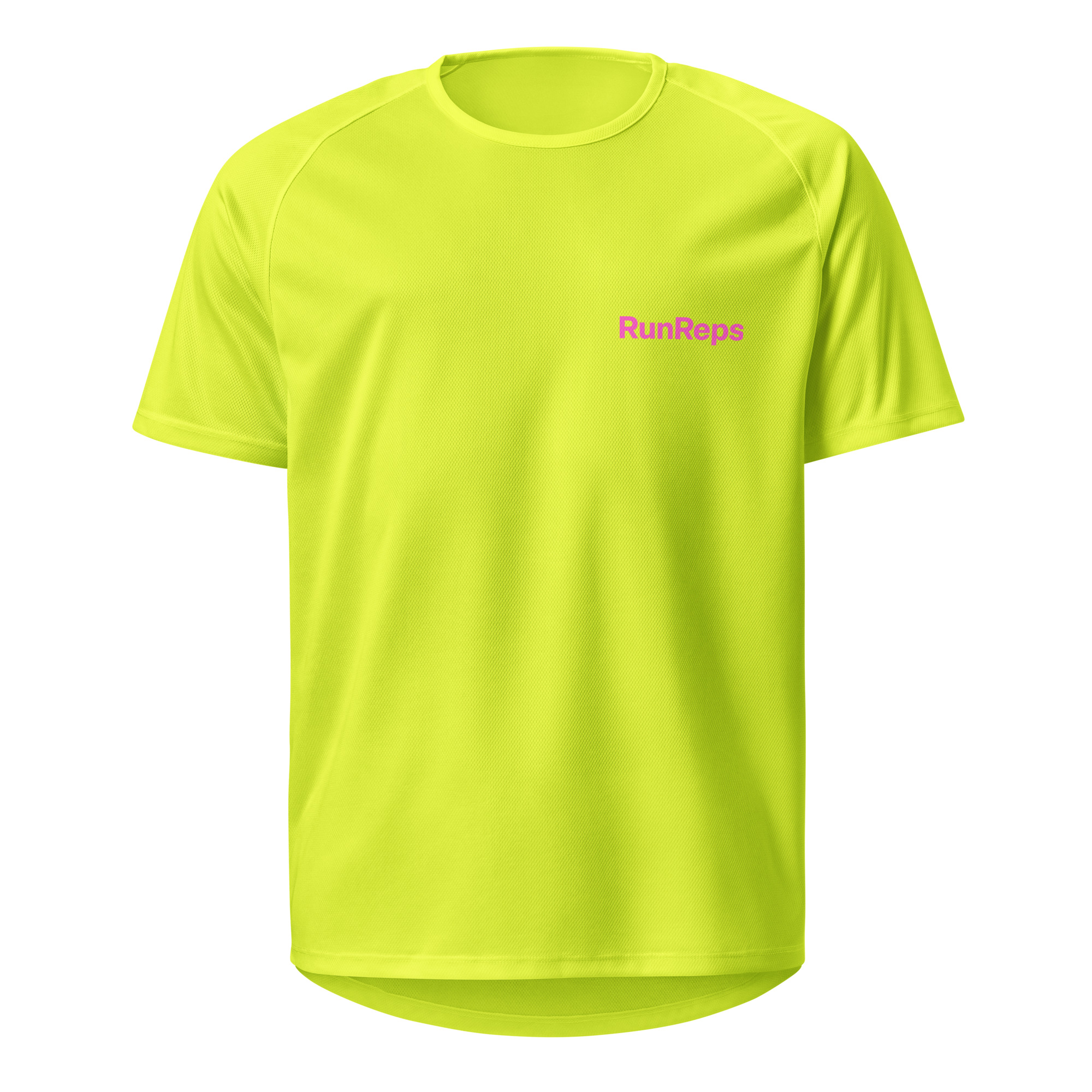
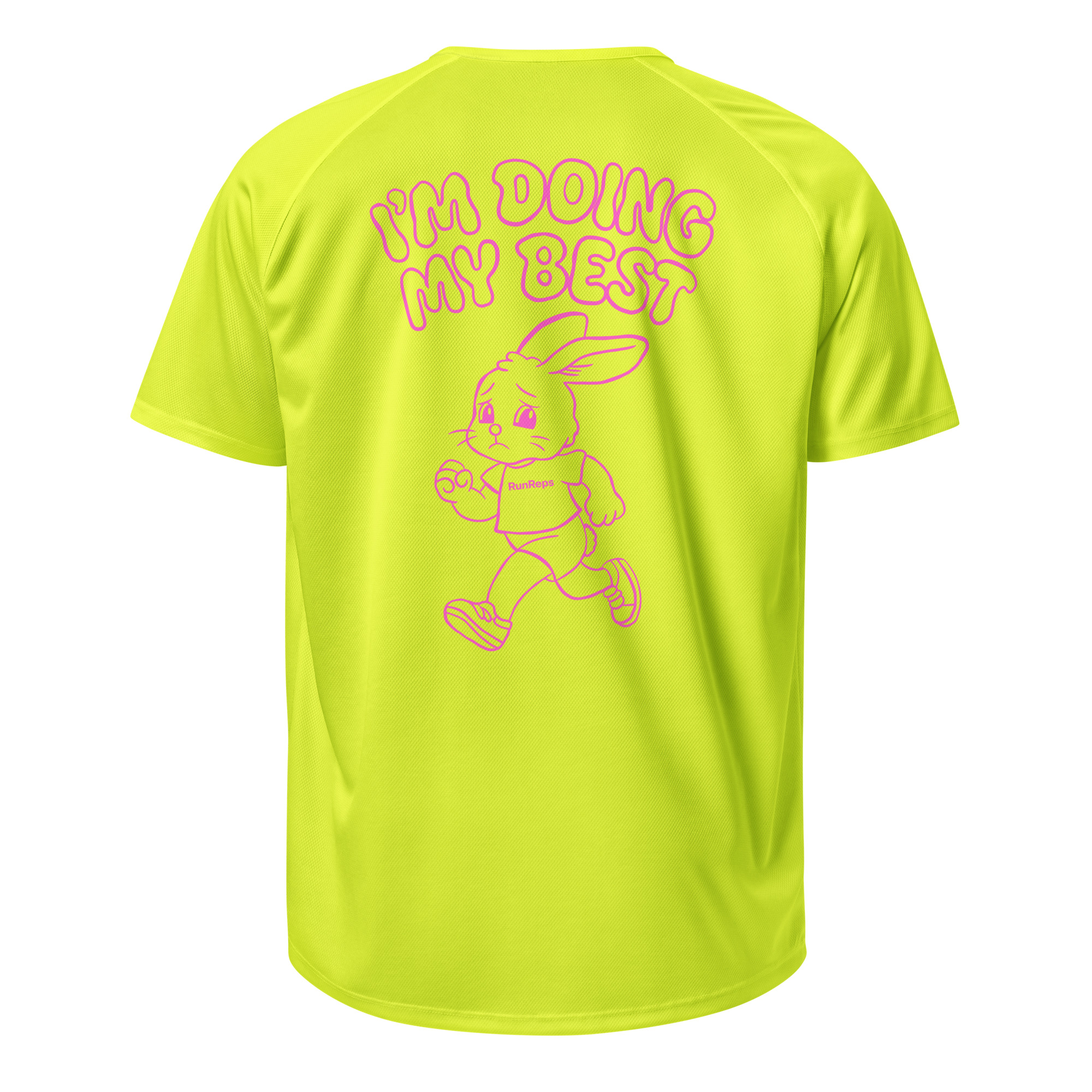
I'm Doing My Best Running Jersey
Lightweight, breathable unisex sports jersey in neon yellow. Designed for runners who keep showing up.
Free worldwide shipping on select orders
RunReps works with retail partners through the Awin affiliate network and earns a commission on qualifying purchases at no extra cost to you.